What a Private Chef Website Needs: An 18-Point Checklist
A private chef website has one job: turn someone who is curious into someone who asks for a date. These are the 18 things we check when we audit a chef's site, grouped by the question a guest is really asking.
Can guests find you?
- You appear for "private chef in" your city. Search it in a private browser window. If you are not on the first two pages, most people searching will never see you.
- Every page title names your service and your city. A title that says "Home" tells Google nothing. "Private Chef in Austin | Dinner Parties and Weekly Meals" does.
- Your Google Business Profile is claimed and filled in. Local searches show the map first. Add your category, service area, photos and hours.
- AI assistants can name you. Ask ChatGPT for the best private chef in your city and see who comes back. Assistants draw on what is published about you.
- Your details match everywhere. The same business name, city and services on your site, Google profile, Instagram and any listings.
- You are mentioned outside your own pages. Local directories, "best of" lists, venues you work with and press all count.
Do they trust what they see?
- The site loads fast on a phone. Most guests will find you on one. Oversized photos are the usual cause of a slow site.
- Menus are on the page, not in a PDF. A download is one more step, and search engines read page text far better than files.
- You show a starting price. Guests who cannot see a price either assume you are out of reach or message only to ask.
- Reviews are on the site. A referral who looks you up wants confirmation. Put your best reviews where they will see them.
- The photos are yours. Real plates, real tables, real events. Stock photos are easy to spot.
- It says who you are. A short story, a photo of you and where you trained or cooked.
Can they ask for a date?
- There is an inquiry form. An email address alone gets you "how much?" messages you cannot quote from.
- The form asks for date, guests and budget. Those three answers let you reply with a real quote the first time.
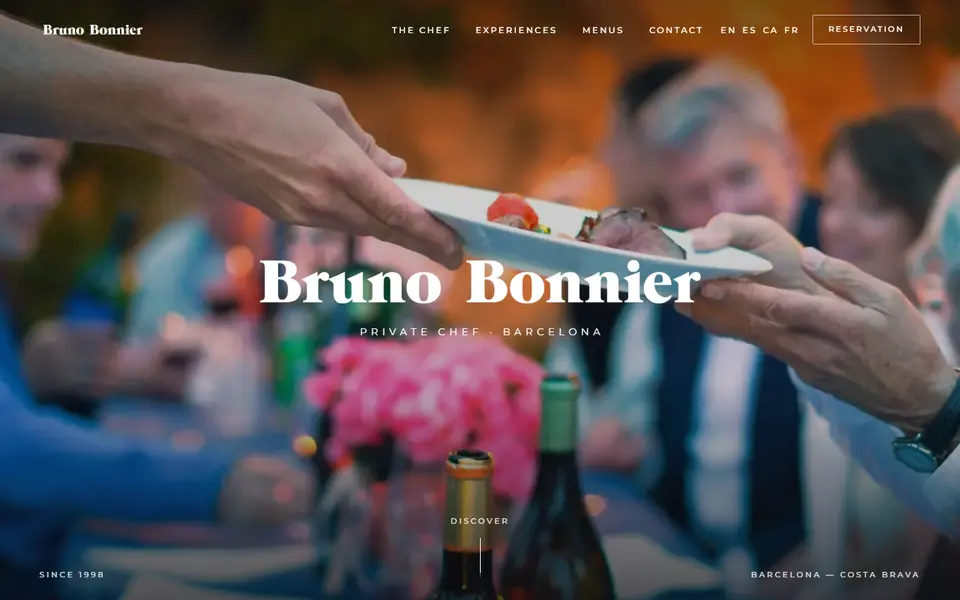
- The booking button is on the first screen. The guests most ready to book are the least patient.
- Your Instagram bio links straight to the form. A list of six links loses people. One link, to the place they can book.
- You say how fast you reply. "We answer within 24 hours" sets an expectation and makes people more willing to write.
- New inquiries get an answer straight away. An automatic reply that confirms you received the message keeps a guest from writing to the next chef while you are cooking.
How to use the list
Score yourself one point for each item you can honestly tick. Below ten, the quickest win is almost always the inquiry form, because every other improvement sends people to it.